Free
$0
Everything included
- As many AIs as you want, in tabs
- Ask All and Split View
- Prompt catalog plus your own
- Incognito, light and dark theme
 Seizia
Linux · Windows · macOS
Desktop app · Not another website
Seizia is a desktop program for Linux, Windows and macOS. You open ChatGPT, Gemini, Claude, Grok and the others as tabs. Each one keeps its session. You stop hopping between browser windows.
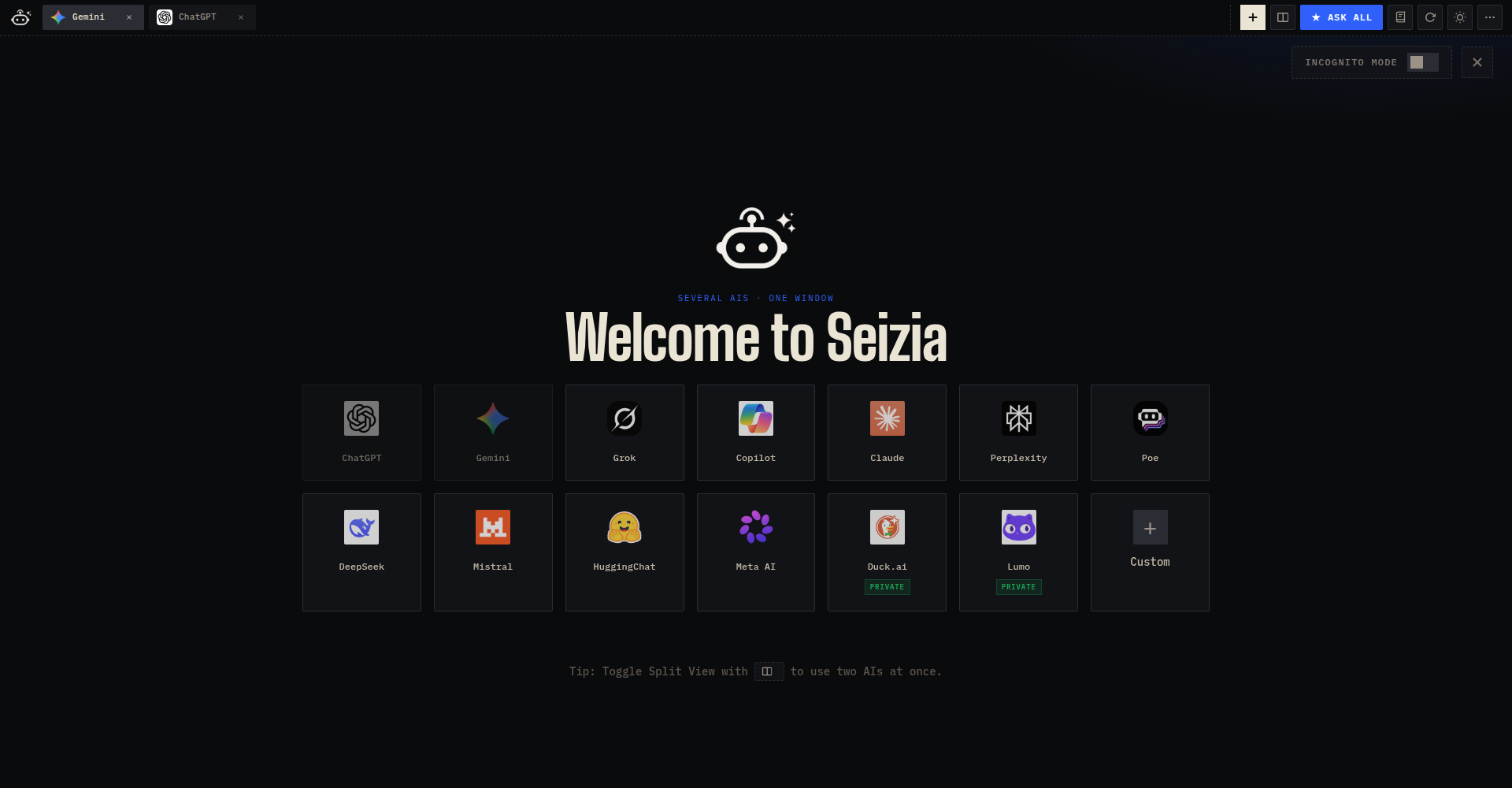
It is not a new model. It is the window that holds the ones you already use. The chat still lives on chatgpt.com, gemini.google.com, and the rest. Seizia does not keep your conversations on a server.
Nothing, and there is no second tier holding the good parts back. Ask All, Split, your own prompt library and as many tabs as you want are all in the build you download.
$0
Everything included
By design
Four builds. The .deb puts
Seizia in the menu on Debian, Ubuntu, and Mint,
the AppImage runs on any distro, and the Mac disk image covers both
Intel and Apple Silicon. Windows and macOS are not code-signed, so
each system warns you once on the first launch. Read
what to click.
Debian / Ubuntu / Mint
sudo apt install ./seizia-linux-amd64.debDownload .deb
Any Linux distro
chmod +x Seizia-linux-x86_64.AppImage && ./Seizia-linux-x86_64.AppImageDownload AppImage
Windows 10 / 11
Seizia-Setup-windows.exe · More info → Run anywayDownload for Windows
macOS · Intel & Apple Silicon
Drag to Applications · Privacy & Security → Open AnywayDownload for macOS